Vectorworks Courses & Training in London
Learn Vectorworks with certified, industry-experienced trainers. Our practical, project-based training covers 2D drafting, 3D modelling, BIM, rendering and presentation drawings - for architects, interior and garden designers, landscape architects and entertainment designers.
Our Vectorworks Training Courses
Choose the course that fits your goals. All training is tailored to your level and real-world projects.
Explore 1-2-1 Courses


Explore Group Courses


Why Learn Vectorworks?
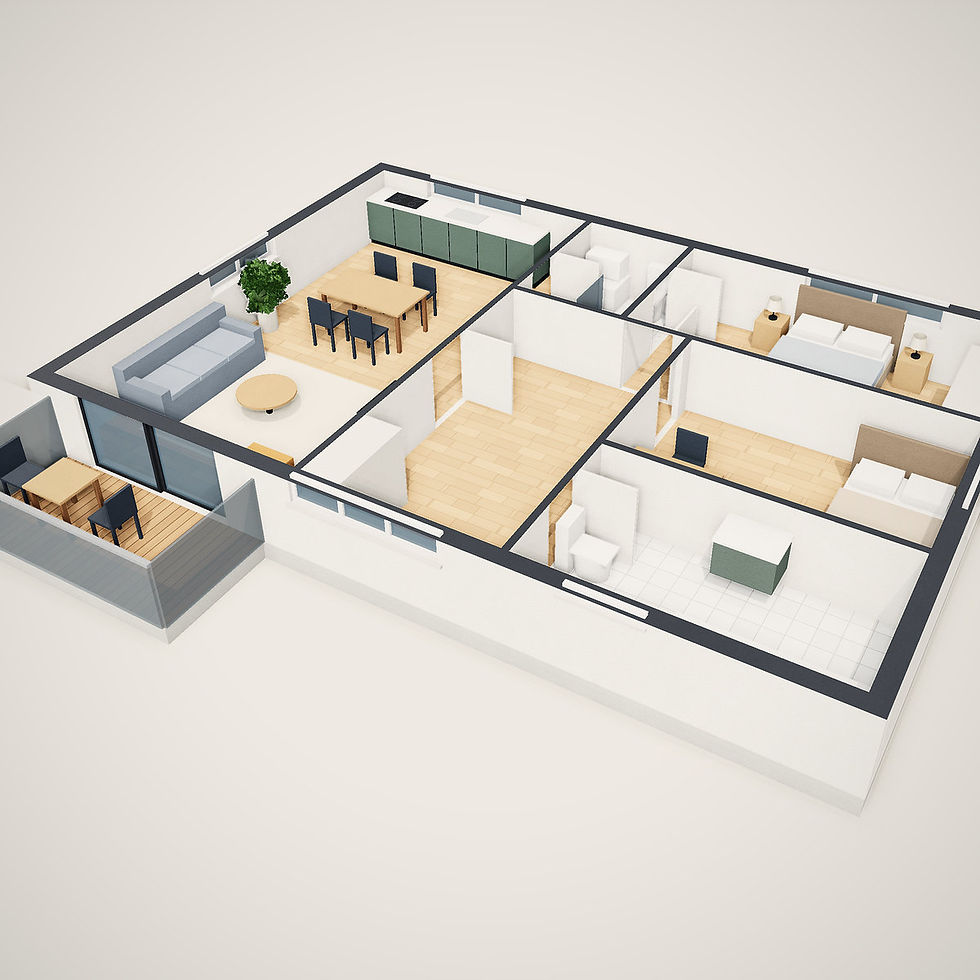
Vectorworks combines precise 2D drafting, flexible 3D modelling and BIM in one program. Architects, landscape and garden designers and entertainment designers use it to design, document and render projects - from planting plans to concert lighting rigs.
Precise 2D drafting
Accurate plans, sections and elevations.
3D modelling & BIM
Walls, roofs, slabs and hybrid 2D/3D objects.
Layers, classes & viewports
Organised drawings and sheet layouts.
Industry-specific tools
Architect, Landmark and Spotlight workflows.
Rendering built in
Create realistic images with Renderworks.
Certificate provided
Receive a certificate on course completion.
Who Should Attend?
✓ Beginners with no prior CAD experience
✓ Architects and architectural technologists
✓ Garden designers and landscape architects
✓ Lighting, stage and event designers
✓ Professionals moving to Vectorworks from AutoCAD or other CAD software
.png)
How You'll Learn on Our Vectorworks Courses
Our practical Vectorworks training method ensures you get the most from every session.
1
Understand your goals
We discuss your needs, your Vectorworks experience and the work you want to produce.
2
Learn step-by-step
Follow a structured Vectorworks plan with practical exercises to help you improve.
3
Work on real projects
Apply your skills to real-world drawings and models or your own project.
4
Get ongoing support
Ask questions after your Vectorworks course and keep your learning materials.
Frequently Asked Questions
What is Vectorworks used for?
Vectorworks is professional design software used for 2D drafting, 3D modelling, BIM and technical documentation. It is widely used across architecture, interior design, landscape design and other design industries to develop projects from initial concepts through to detailed drawings and presentations.
Is Vectorworks suitable for beginners?
Yes. You can learn Vectorworks without previous experience. Our beginner training starts with the interface, navigation and essential 2D drawing tools before progressing to Classes, Design Layers, 3D modelling, Viewports and professional documentation.
Do I need CAD experience before learning Vectorworks?
No previous CAD experience is required for our beginner courses. Experience with AutoCAD, Revit or other design software can be useful, but the course can start from the fundamentals and progress according to your existing knowledge.
What will I learn on a Vectorworks course?
Depending on your chosen course, training can cover 2D drafting, plans, sections, elevations, 3D modelling, rendering and professional documentation. Specialist training is also available for areas such as Vectorworks Landmark and Spotlight.
Can I learn Vectorworks for architecture and interior design?
Yes. Vectorworks training can be tailored towards architecture and interior design, including producing accurate 2D plans and elevations, developing 3D models, working with materials and creating professional project presentations.
Can I learn Vectorworks in person in London?
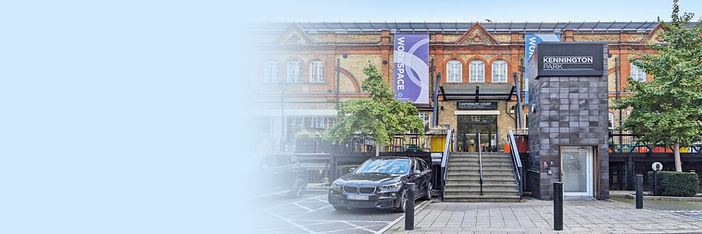
Yes. In-person Vectorworks training is available at the London training centre in Kennington, London SW9.


.png)
Is Vectorworks training available online?
Yes. You can learn Vectorworks through live online training as well as attending in person in London. Online sessions provide live instruction so you can follow demonstrations, practise and ask questions during your training.
Will I receive a certificate after my Vectorworks course?
Yes. A course completion certificate is included after completing your Vectorworks training.
What Our Students Say
"The course was well designed for total beginners who wanted a 1-2-1 learning experience instead of by remote learning. The PC and Mac windows user interface was well explained and demonstrated step by step"
O
Oliver Khoo
"I recently attended London Design Training's Vectorworks courses over the weekend and in the evening, and it was a fantastic experience. The courses were not only informative but also highly engaging."
N
Nabeel Ahmad
"I completed the Vectorworks course and I have learnt so much. She took the time to go over things that I didn’t understand first time and was very clear and patient. I can’t recommend them enough!"
J
Jessica Morrell